The setup
The team ran the school day on Excel. Class rosters in one file. Today’s schedule in another. Attendance copied by hand at the end of each session. Check-in was a clipboard and a pen. Every new instructor inherited the same problem: a stack of spreadsheets that drifted out of sync the moment anyone updated one.
It worked. Until it didn’t. Errors compounded, instructors lost time to admin instead of teaching, and there was no real-time picture of who was where.
What we built
Three pieces of software that share the same source of truth:
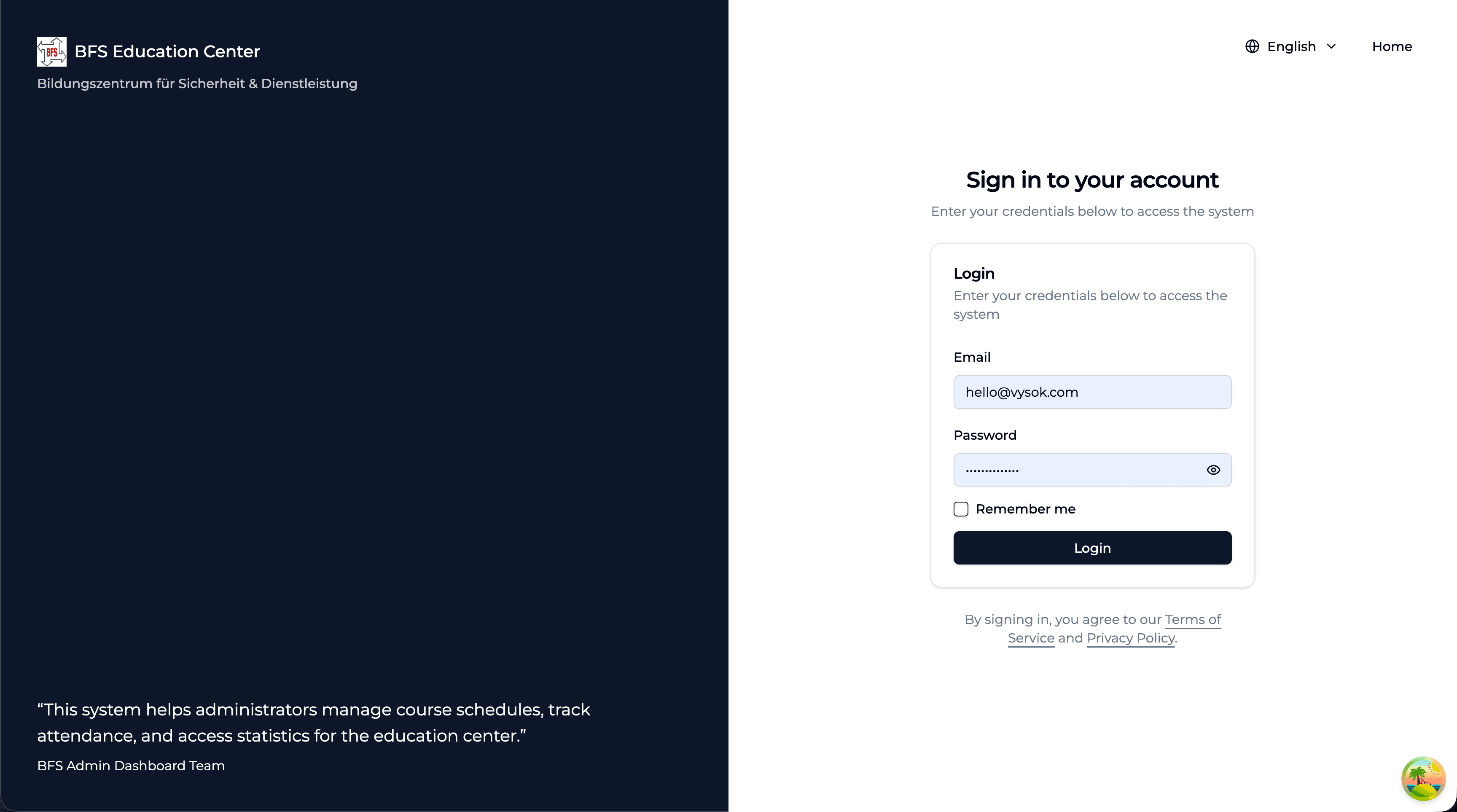
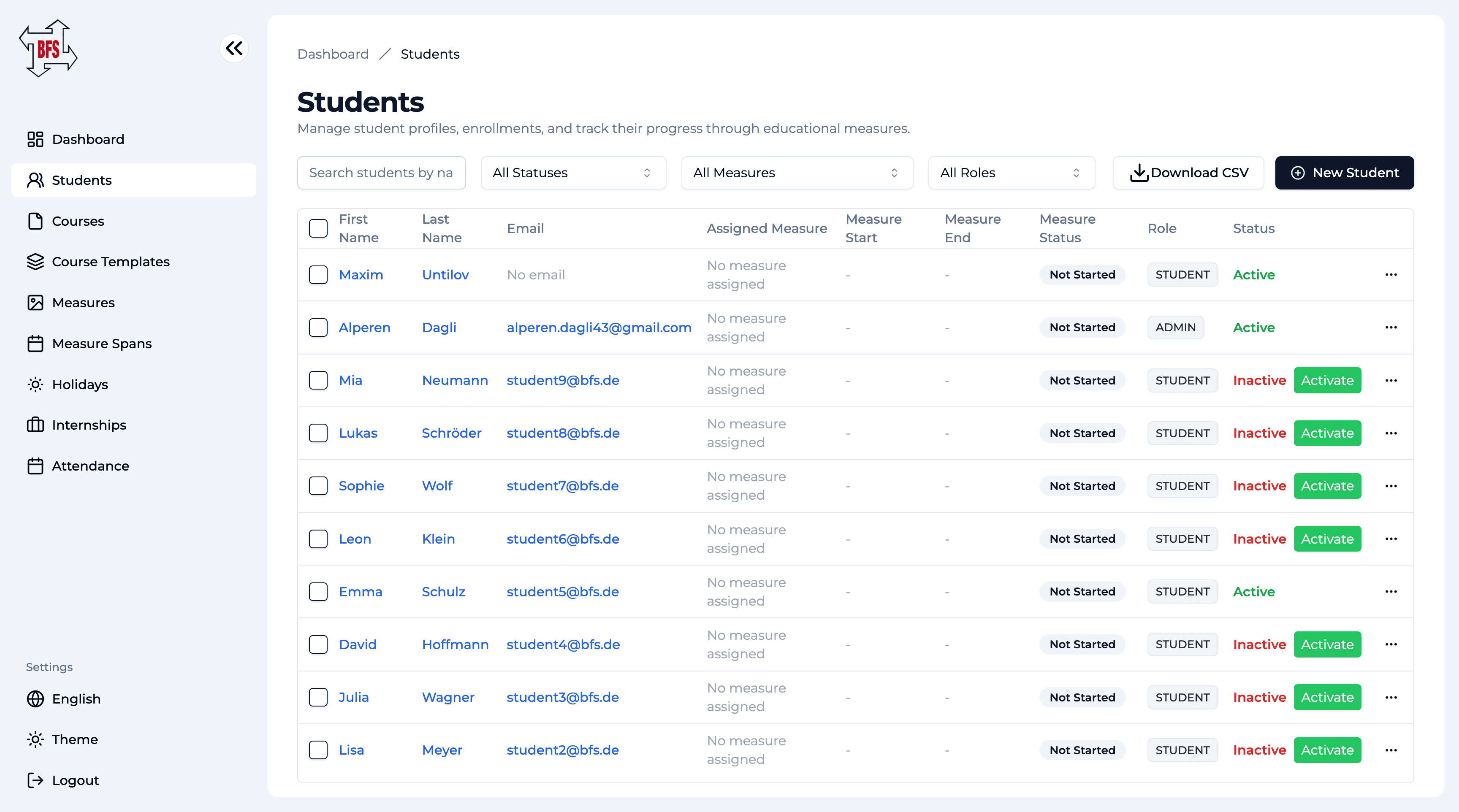
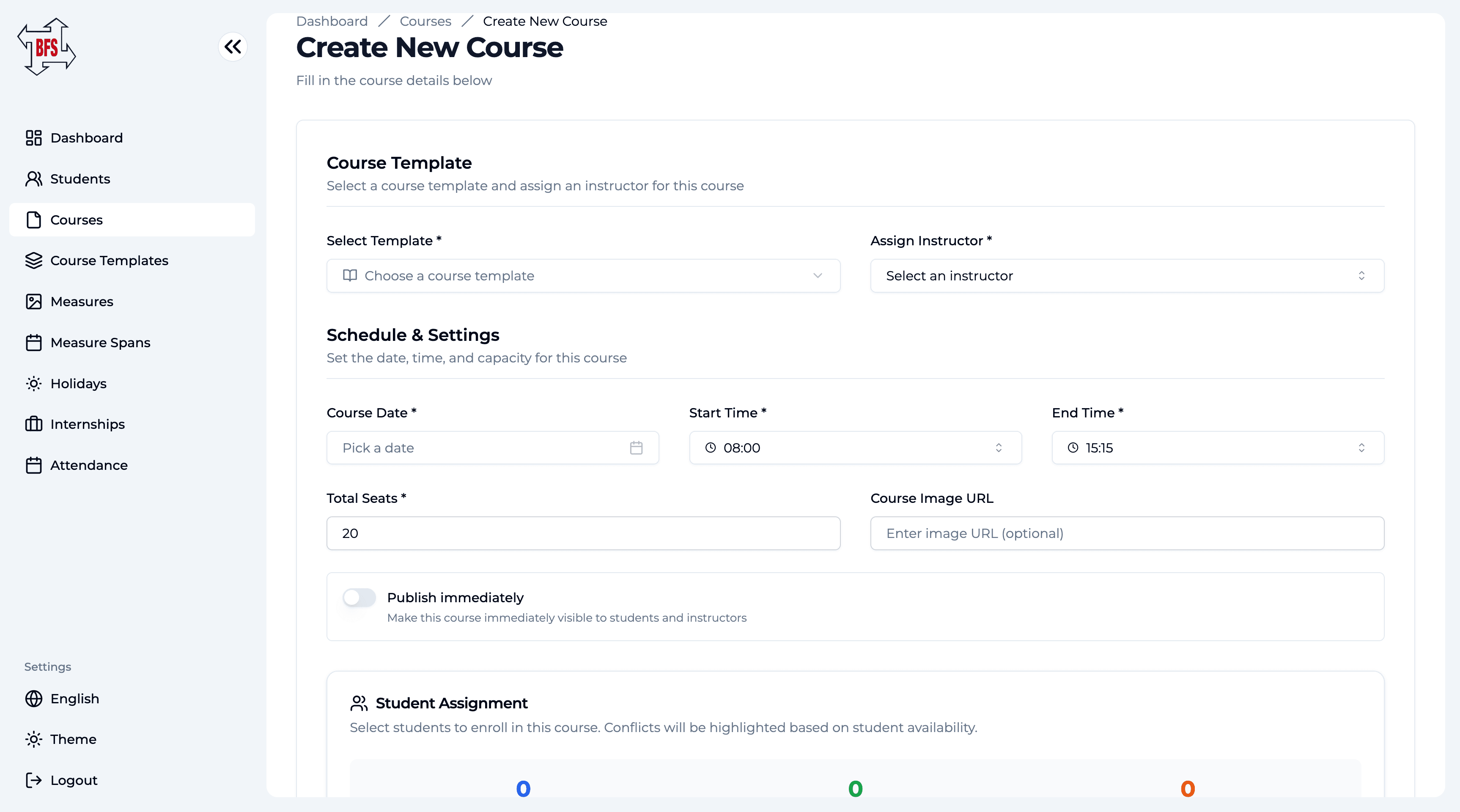
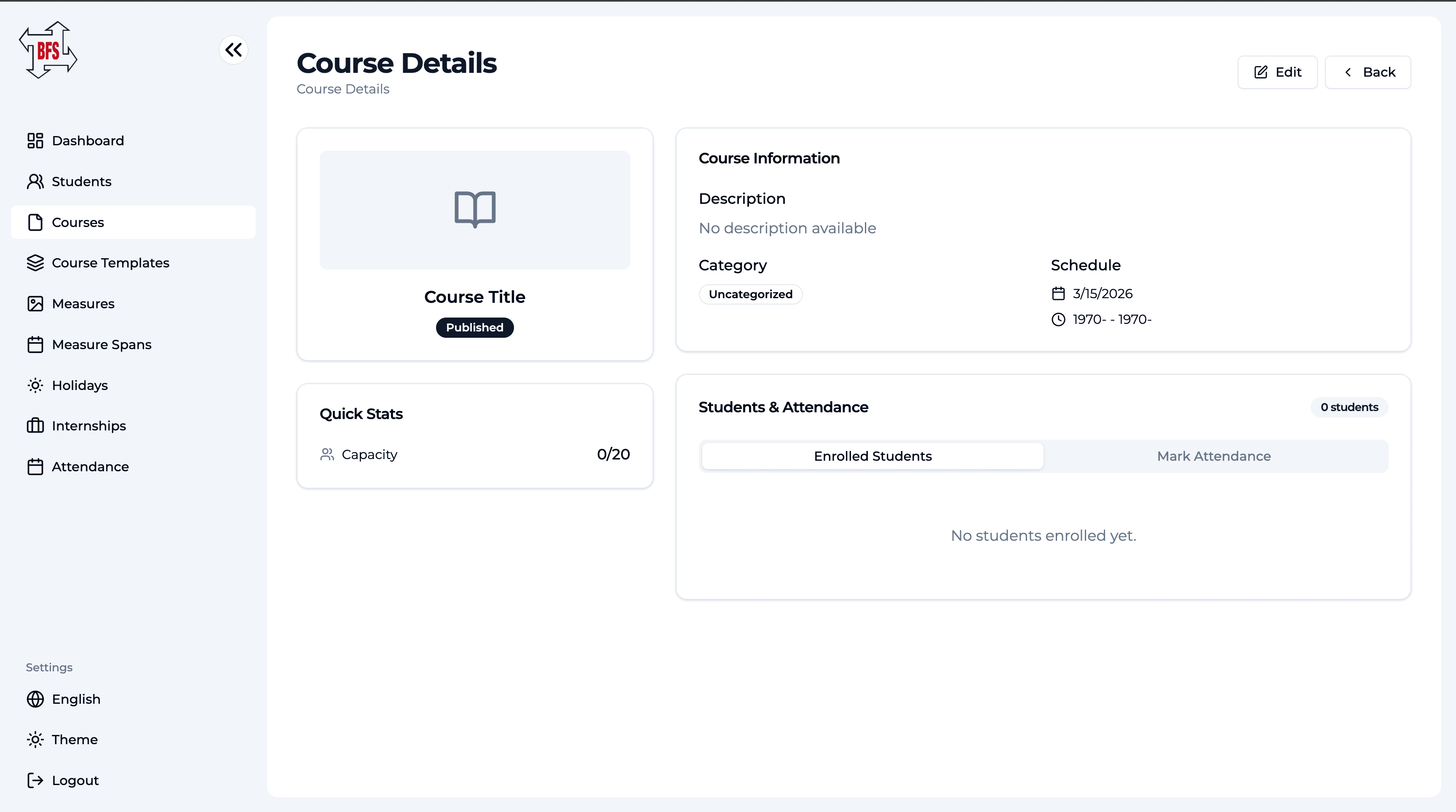
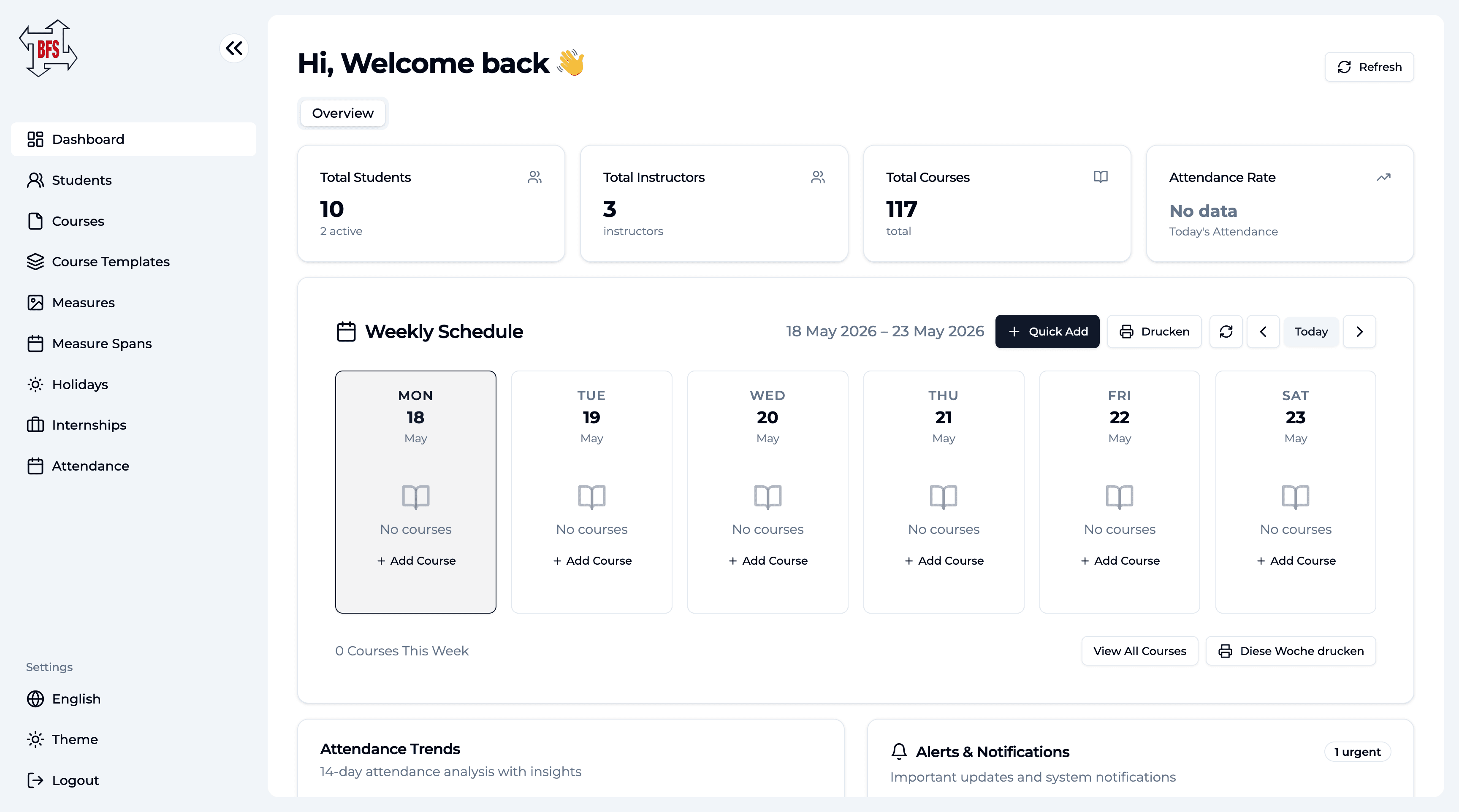
- A web dashboard for the admin team. Schedules, students, courses, course templates, holidays, internships, and attendance in one interface. The tabs the team used to keep open across five browser windows now live in a single navigation rail.
- A scheduling system that handles class times, instructors, rooms, and student bookings. Conflict detection, capacity alerts, and quick reschedule flows that took an Excel-era afternoon and made them a five-second action.
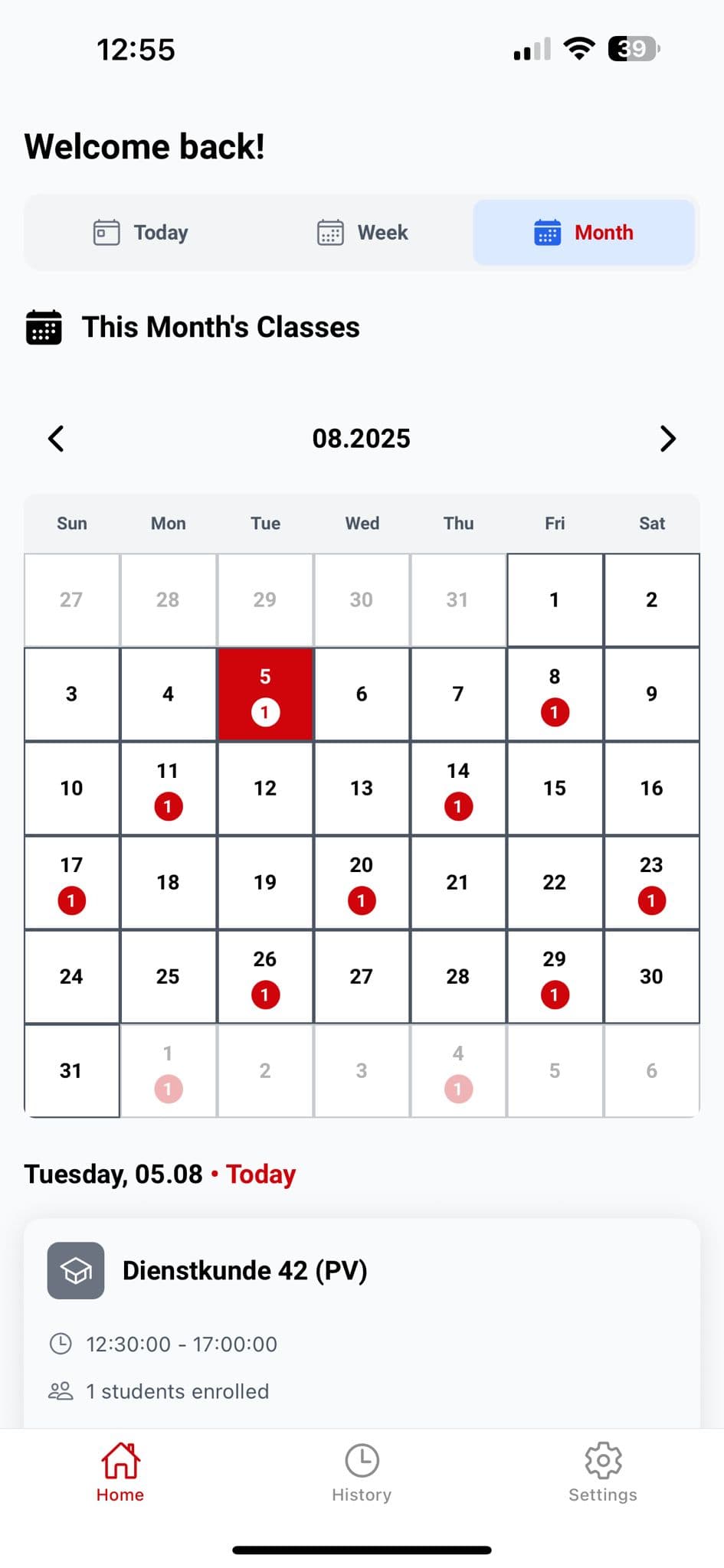
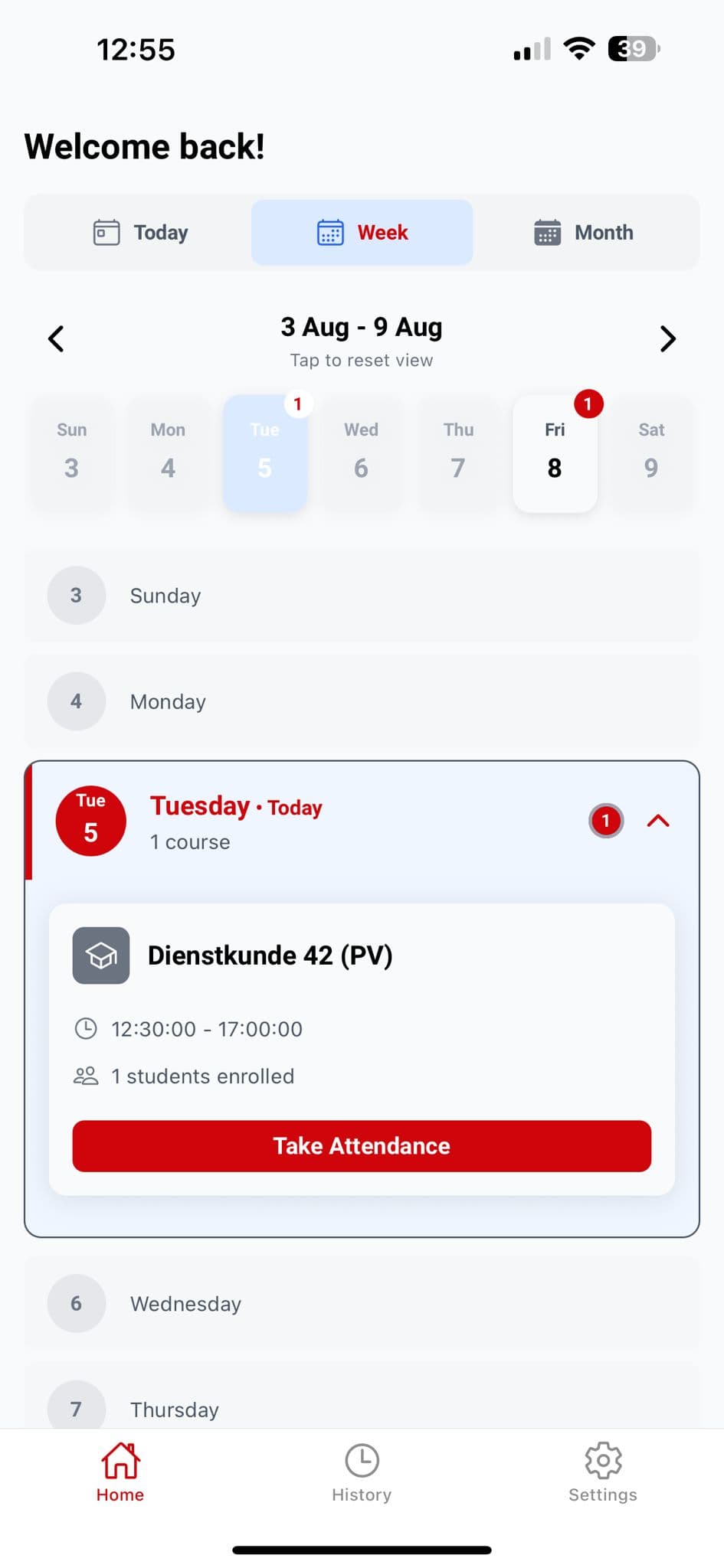
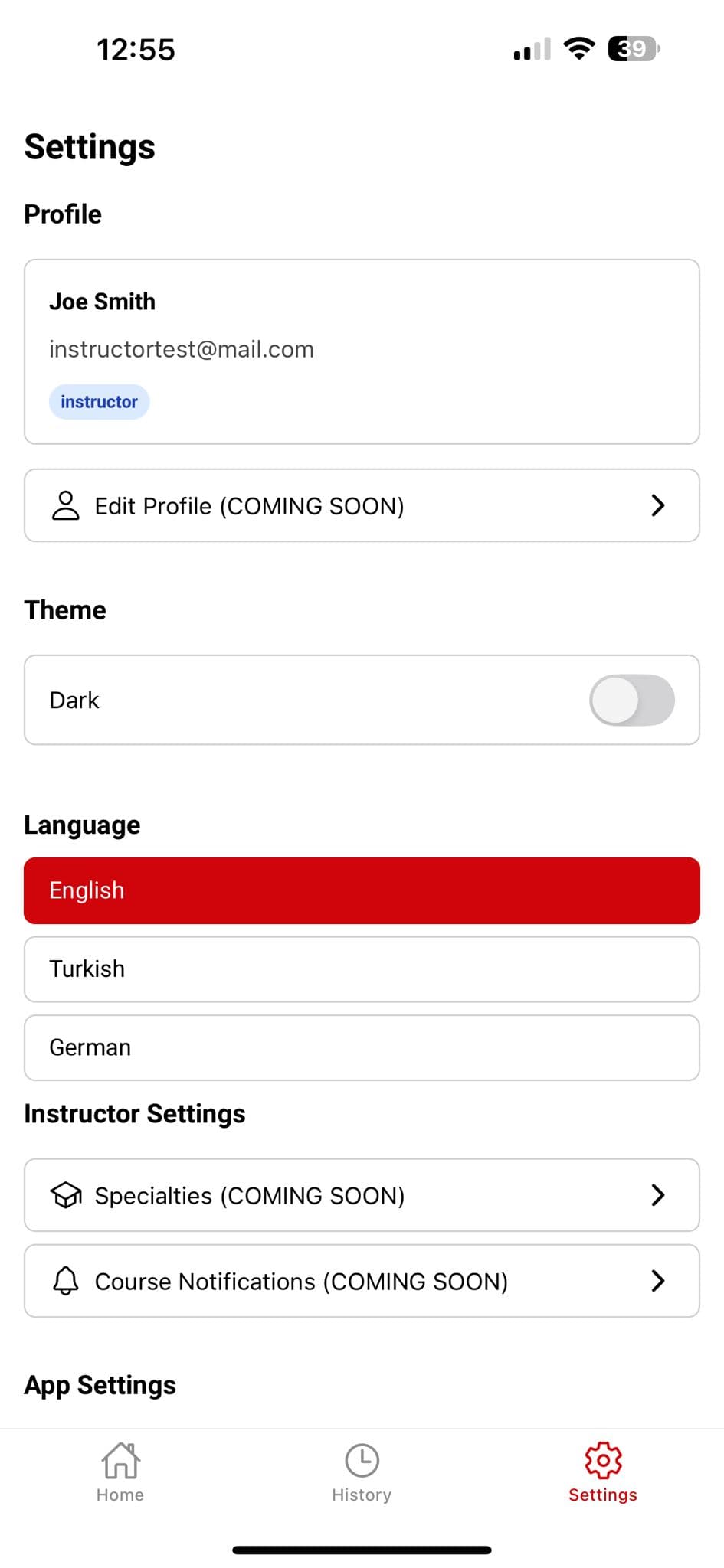
- A mobile app for instructors. Open the app, see this week or this month, tap a class, take attendance. Push notifications for schedule changes. Bilingual (DE / EN) on the same day the web app went bilingual.
Everything talks to everything else. Update a class on the dashboard and the app reflects it instantly.
What changed
The Excel files are retired. Instructors check students in from their phones. Take Attendance is a single tap, not a clipboard and a typed reconciliation. Admin staff stopped spending mornings reconciling spreadsheets. The team finally has a clean interface that matches the way they actually run the school, and a foundation they can keep building on as the portal grows.
We’re still in the early innings of the rollout. The next wave of work is reporting, parent-facing access, and payment flows.